
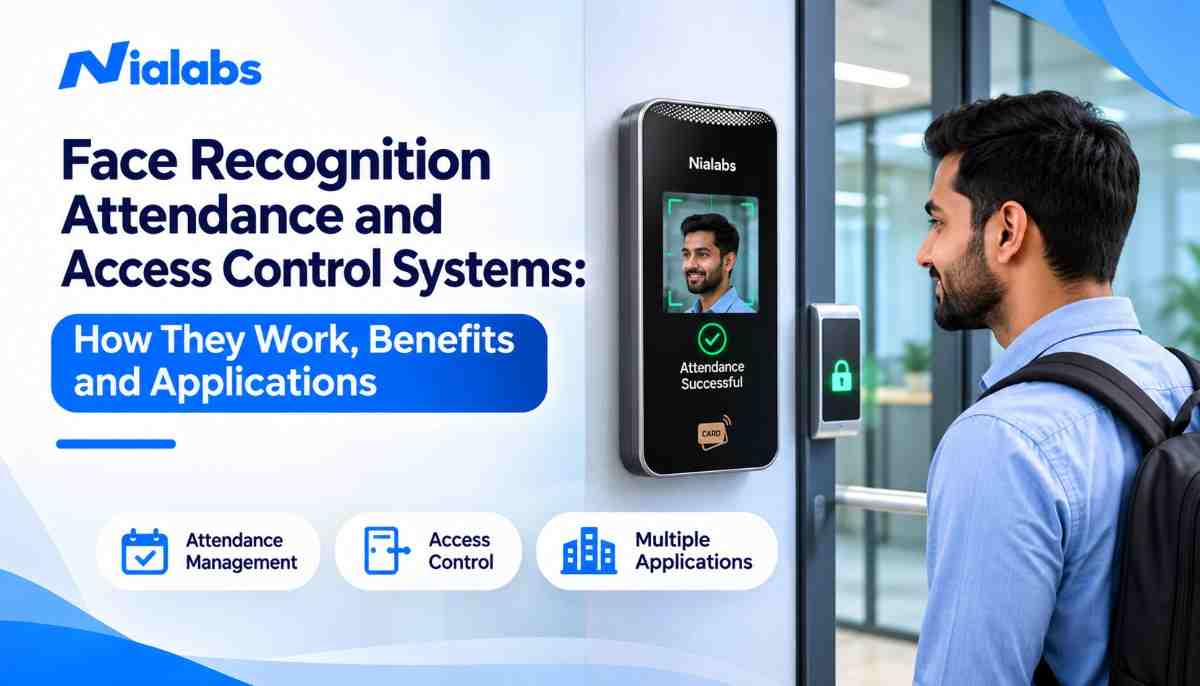
A face recognition attendance system identifies a person from their facial features and records attendance automatically, with no touch, card or register. When it is connected to door locks, gates or turnstiles, the same face scan also works as a face recognition access control system, letting only authorized people into a building or room. Together they replace manual attendance, stop proxy punching and give administrators one live record of who came in and when.
Key takeaways
-
A face scan takes roughly a second, so queues at entry points stay short.
-
Liveness detection stops photos, videos and masks from being used to fake attendance.
-
One device can handle both attendance and door access, which cuts hardware and setup cost.
-
Face recognition suits offices, schools, hospitals, factories and government sites in India.
-
Biometric data must be handled with consent and secure storage under India’s DPDP Act, 2023.
What is a face recognition attendance system?
A face recognition attendance system is a biometric device and software pair that captures a person’s face, matches it against registered face templates and marks attendance automatically. It needs no physical contact, no ID card and no manual entry, so attendance cannot be marked on someone else’s behalf.
It is the next step after paper registers, swipe cards and fingerprint scanners. Instead of touching a sensor, the person simply walks up to the terminal and looks at the camera. The time stamp flows straight into attendance reports, leave records and payroll.
Organizations moving to an AI biometric attendance system usually start with face recognition because it is contactless, quick to adopt and hard to cheat.
What is face recognition technology?
Face recognition is a type of biometric identification that uses artificial intelligence and computer vision to identify a person from the unique geometry of their face. It measures facial landmarks and converts them into a mathematical template that can be matched in milliseconds.
The features it measures include:
-
Distance between the eyes
-
Shape and width of the nose
-
Contour of the jawline and cheekbones
-
Position of the mouth and overall face shape
The system stores only this encrypted numeric template, not a usable photo. The same technology powers phone unlock, airport e-gates and identity verification apps.
What is a face recognition access control system?
A face recognition access control system uses a face scan to decide whether a door, gate or turnstile should open. If the face matches an authorized profile with permission for that entry point and time, the lock releases. If not, entry is denied and the attempt is logged.
It replaces keys, PINs and ID cards, which can be lost, shared or copied. Most organizations run it on the same platform as attendance, so a single scan at the main gate marks the employee present and opens the door. A biometric access control system can also apply different rules per zone, such as server rooms open only to the IT team.
Common access-controlled areas include:
-
Office entrances and floors
-
Server rooms and data centres
-
Research and testing laboratories
-
Hospital ICUs, pharmacies and record rooms
-
School campuses, hostels and staff rooms
-
Government buildings and defence facilities
How does a face recognition attendance system work?
A face recognition attendance system works in five steps: capture, detection, feature extraction, matching and action. The whole cycle usually takes about a second.
-
Face capture: The camera at the entry point captures a live image or video frame of the person.
-
Face detection and liveness check: The software locates the face in the frame and runs liveness detection to confirm it is a real, present person and not a photo, screen or mask.
-
Feature extraction: AI algorithms map the facial landmarks and convert them into a numeric face template.
-
Face matching: The new template is compared with the templates stored in the biometric database.
-
Attendance or access action: On a match, attendance is recorded and the door opens if access control is connected. On no match, entry is refused and an alert can go to the administrator.
Identification vs verification: what is the difference?
Identification (1:N matching) compares one face against every registered face to find who the person is. Verification (1:1 matching) checks a face against one claimed identity, such as the profile linked to an employee ID. Attendance terminals usually run identification, so users do not need to enter an ID first. High-security doors sometimes add verification with a card or PIN for two-factor entry.
What are the key components of the system?
A complete face recognition attendance and access control setup has five parts:
-
AI face recognition terminal or camera: Captures faces, often with an infrared sensor for low light.
-
Recognition software: Detects faces, checks liveness and runs the matching algorithm.
-
Biometric database: Stores encrypted face templates, on the device, on premises or in the cloud.
-
Access control hardware: Electromagnetic locks, door controllers, boom barriers or turnstiles.
-
Attendance and HR software: Turns punches into reports, shifts, leave and payroll inputs.
Face recognition vs fingerprint vs RFID: which is better?
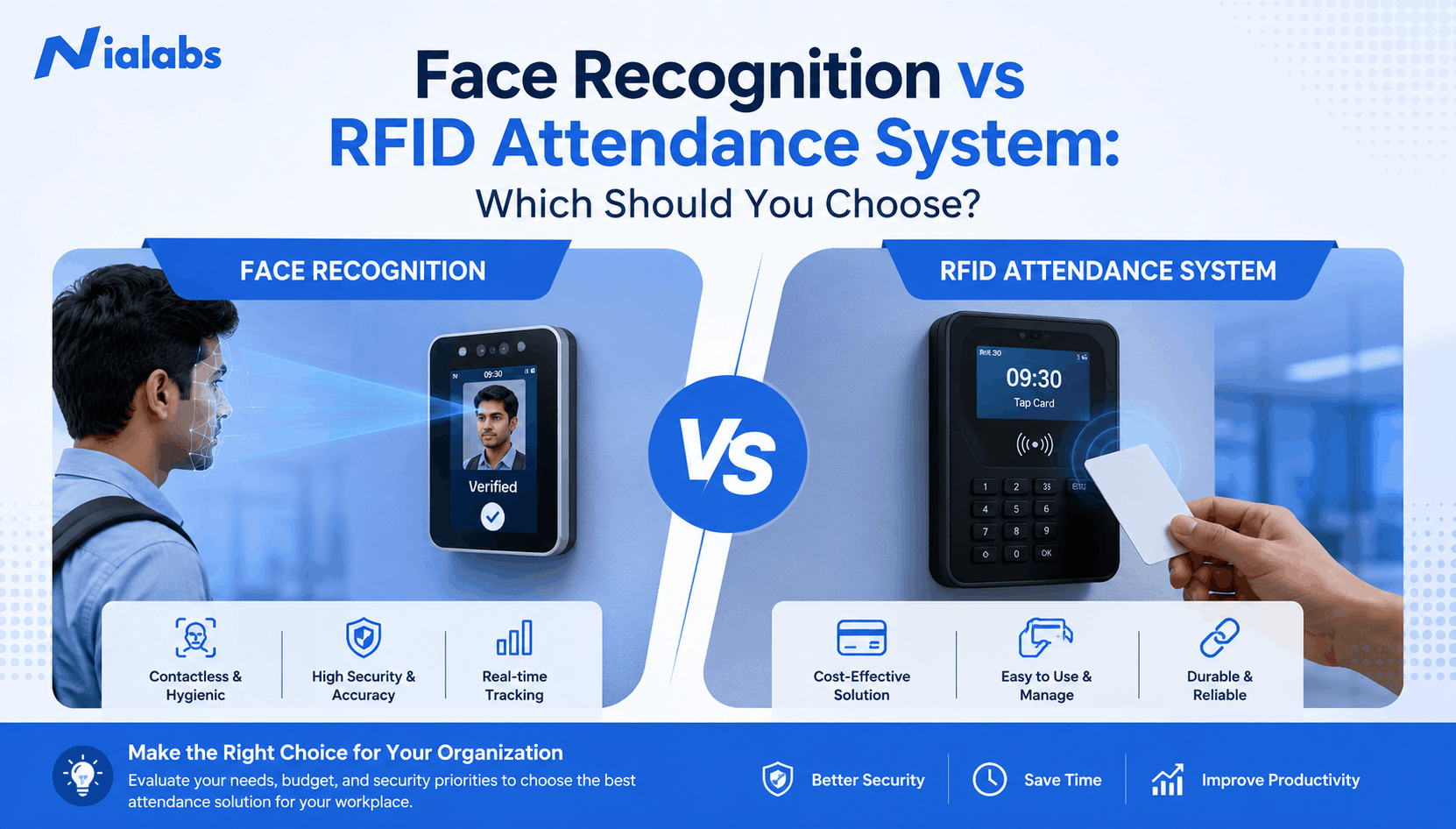
Face recognition is the strongest choice for fast, contactless and proxy-proof attendance. Fingerprint remains a low-cost option for small teams, and RFID cards are the cheapest but the easiest to misuse.
|
Factor |
Face recognition |
Fingerprint |
RFID card |
|---|---|---|---|
|
Contact needed |
None |
Touch the sensor |
Tap the card |
|
Proxy attendance risk |
Very low with liveness detection |
Low |
High, cards are easily shared |
|
Speed per person |
About 1 second |
1 to 2 seconds |
Under 1 second |
|
Hygiene |
Best |
Shared surface |
Good |
|
Works with dirty, worn or wet fingers |
Yes |
Often fails |
Yes |
|
Ongoing cost |
Low |
Low |
Lost and replacement cards |
|
Best for |
Offices, schools, hospitals, high-traffic gates |
Small offices on a tight budget |
Visitors and low-security doors |
What are the benefits of face recognition attendance systems?
The main benefits are contactless attendance, zero proxy punching, faster entry and one combined system for attendance and security.
-
Touchless attendance: No shared surface, which keeps entry points hygienic.
-
No proxy attendance: A colleague cannot mark attendance for someone else, and liveness checks block photos.
-
Faster authentication: Recognition in about a second keeps morning queues short, even at shift change.
-
Stronger security: Doors open only for authorized faces, and every attempt is logged.
-
Real-time visibility: Admins see who is on site, who is late and who entered which area, live.
-
Payroll accuracy: Attendance syncs with HRMS and payroll, removing manual data entry errors.
-
Lower running cost: No cards to print, replace or deactivate when people leave.
What are the challenges, and how do you solve them?
Face recognition has four common challenges: privacy, lighting, face coverings and upfront cost. Each one has a practical fix.
-
Data privacy: Face templates are personal data under India’s Digital Personal Data Protection Act, 2023. Fix: give a clear notice, collect consent, store only encrypted templates, restrict admin access and delete data when a person leaves.
-
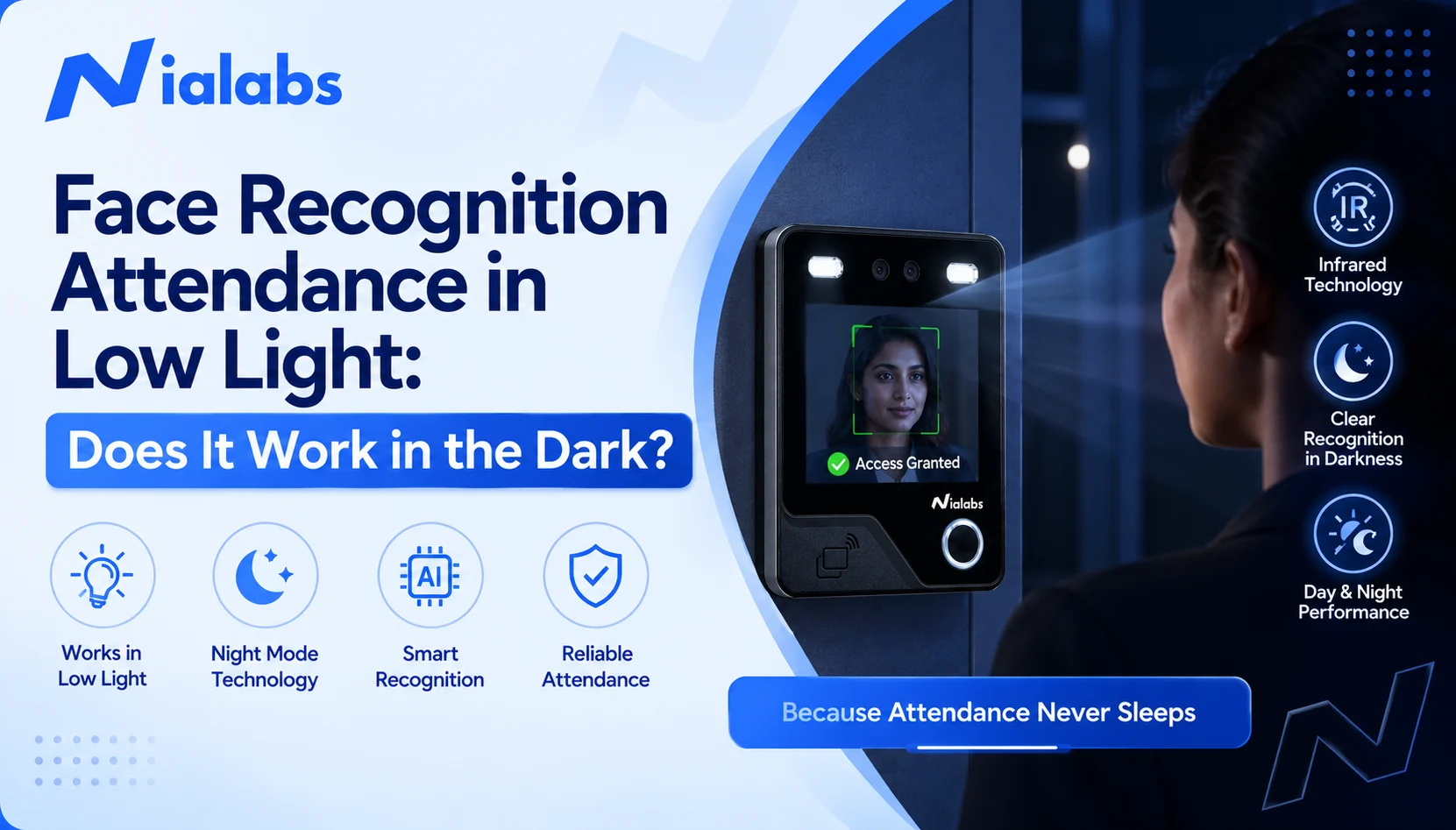
Poor lighting: Backlit gates and night shifts reduce accuracy on basic cameras. Fix: choose a terminal with an infrared camera, which keeps face recognition attendance working in low light and in the dark.
-
Masks, caps and sunglasses: Heavy face coverings can lower match rates. Fix: use devices with mask-aware algorithms and set a simple rule to lower masks or remove sunglasses at the terminal.
-
Initial setup cost: Cameras, locks and software cost more upfront than a register. Fix: start with the busiest entry point, then scale; savings from proxy-free payroll and no cards usually cover the gap.
Where are face recognition systems used?
Face recognition attendance and access control is used wherever an organization needs to know who is present and who can enter.
|
Industry |
Attendance use |
Access control use |
|---|---|---|
|
Corporate offices |
Employee time and shift tracking |
Floor, cabin and server room entry |
|
Schools and colleges |
Student and staff attendance, parent alerts |
Campus gate, hostel and lab entry |
|
Coaching institutes |
Batch-wise student attendance |
Classroom and centre entry |
|
Hospitals and clinics |
Doctor, nurse and staff shifts |
ICU, pharmacy and record rooms |
|
Factories and warehouses |
Multi-shift worker attendance |
Production floors and stores |
|
Government and defence |
Officer attendance |
Restricted zones and secure buildings |
How to choose the right face recognition attendance system
Use this checklist before you buy:
-
Liveness detection that blocks photos, videos and masks
-
Infrared camera for low light and backlit entrances
-
User capacity that fits your headcount with room to grow
-
Built-in door relay or support for locks, barriers and turnstiles
-
Cloud dashboard with multi-branch reports
-
Integration with your HRMS, payroll or school ERP through APIs
-
Encrypted template storage and role-based admin access for DPDP compliance
-
Local installation, training and support in your city
What is the future of face recognition attendance and access control?
The next wave is cloud-managed, AI-driven and fully integrated with HR and security systems. Trends to watch:
-
Cloud dashboards that manage every branch from one screen
-
Mobile face authentication for field and remote staff
-
AI workforce analytics on punctuality, overtime and occupancy
-
Unified platforms that combine attendance, access control and visitor management
-
Privacy-by-design features built around India’s data protection rules
Conclusion
A face recognition attendance system gives organizations accurate, contactless and proxy-proof attendance, and the same scan can secure every door through access control. With liveness detection, infrared cameras and DPDP-aligned data handling, it suits Indian offices, schools, hospitals and factories of any size.
Planning to switch? Talk to a Nialabs expert for a free demo and a setup plan built around your entry points and headcount.
FAQ
Publish as the article’s H2 “Frequently Asked Questions” with each question as an H3. The answers match the FAQPage schema word for word, which Google requires. No links here, so the post keeps exactly 5 internal links.
1. What is a face recognition attendance system?
A face recognition attendance system is a biometric solution that identifies people from their facial features and records attendance automatically. It uses AI and a camera to match each face against registered templates, so attendance is contactless, takes about a second and cannot be marked by someone else.
2. How does face recognition access control work?
Face recognition access control scans a person’s face at a door, gate or turnstile and compares it with authorized profiles. If the face matches and the person has permission for that entry point, the lock opens. If not, entry is denied and the attempt is logged for the administrator.
3. Is face recognition attendance better than fingerprint attendance?
For most organizations, yes. Face recognition is contactless, more hygienic, works when fingers are dirty or worn, and with liveness detection it is very hard to fake. Fingerprint devices cost less upfront and still suit small offices, but they need physical contact and fail more often on worn fingerprints.
4. Can a face recognition system be fooled by a photo or video?
Not if it has liveness detection. Liveness detection checks for signs of a real, present person, such as depth, skin texture and natural movement, and rejects printed photos, phone screens, videos and masks. Always confirm that a device includes liveness or anti-spoofing before you buy it.
5. Does face recognition attendance work in the dark or with masks?
Yes, if the terminal has an infrared camera, it recognizes faces in low light and complete darkness. Many modern devices also use mask-aware algorithms that match faces with a mask on, though accuracy is highest when caps, sunglasses and heavy coverings are removed at the terminal.
6. Is face recognition attendance legal in India?
Yes. Face recognition attendance is legal in India, but face templates are personal data under the Digital Personal Data Protection Act, 2023. Organizations should give users a clear notice, take consent, use the data only for attendance and security, store it encrypted and delete it when a person leaves.
7. Can one device handle both attendance and access control?
Yes. Most AI face recognition terminals have a built-in door relay or connect to a door controller, so a single scan marks attendance and unlocks the door. This saves hardware cost, gives one log for HR and security, and simplifies management across multiple entry points and branches.
8. Can a face recognition attendance system integrate with payroll and HRMS?
Yes. Face recognition attendance data can sync automatically with HRMS, payroll and school ERP software through cloud dashboards or APIs. Punch times flow into shift, leave, overtime and salary calculations, which removes manual data entry and the payroll errors that come with it.